

FAQ Technique
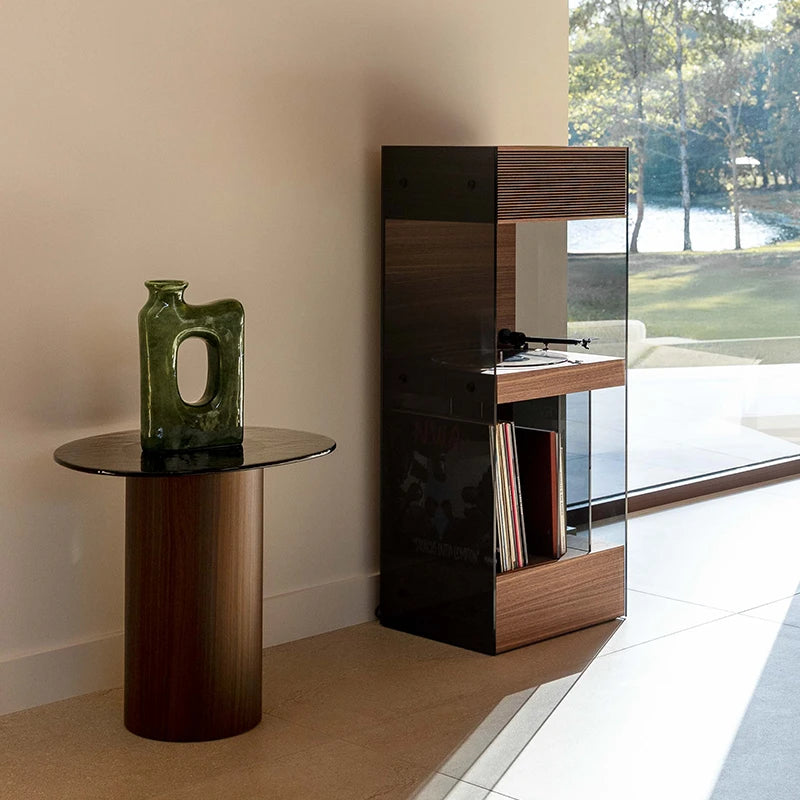
LX Studio, LX & LX X
Comment connecter mon enceinte en Bluetooth® ?
La connexion Bluetooth® entre votre appareil et le LX s'effectue en seulement quelques étapes :
- Activez le mode Bluetooth® sur votre téléphone ou tablette
- Allumez le LX en tournant le bouton volume
- Sur le panneau de contrôle, appuyez sur Bluetooth puis une fois brièvement sur "Pair"
- Cherchez le LX sur votre appareil puis appairez les.
Vous pouvez désormais jouer de la musique grâce à votre téléphone ou tablette.
Quel est le placement idéal de mon enceinte ?
Grâce à la technologie Widesound 3.0® brevetée par La Boite concept qui permet une diffusion immersive du son, l'enceinte LX délivre la même fidélité du son, peu importe sa position dans votre pièce, et peut donc être installée où vous le souhaitez.
Quelle est la portée du Bluetooth® sur cette enceinte ?
La portée d'une enceinte Bluetooth est de 10 mètres maximum. Si cette distance est dépassée, le son saccade et finit par se couper.
Cette distance peut varier selon l'environnement dans lequel vous utilisez ces appareils. Par exemple, il peut exister des sources d'interférences sans fil (telles que les fours à micro-ondes) ou des obstacles physiques (tels que des murs ou des corps humains) qui affectent la portée effective de votre Bluetooth. Si de tels facteurs affectent la fonctionnalité Bluetooth, rapprochez les deux appareils et réessayez.
Voici une liste des matériaux potentiels d'interférence:
· bois, verre et de nombreux matériaux synthétiques : interférence faible
· eau, briques, marbre : interférence moyenne
· plâtre, béton, verre blindé : interférence élevée
· métal : interférence très élevée
Comment changer ma courroie ?
Changer votre courroie est une procédure rapide qui peut nécessiter plusieurs essais :
- Tout d'abord, retirez la courroie précédénte
- Posez votre nouvelle courroie sur le dessus de votre platine, en faisant attention à ce que l'axe de la platine soit à l'intérieur du cercle de la courroie
- À l'aide de votre index gauche, faites passer la courroie dans l'encoche de la poulie puis gardez la position jusqu'à ce que la courroie soit en place.
- Avec votre main droite, place la courroie sur le bord de la platine, puis, tout en la tenant, tourner le plateau jusqu'à faire un tour complet.
Votre courroie est désormais en place.
Comment changer mon diamant ?
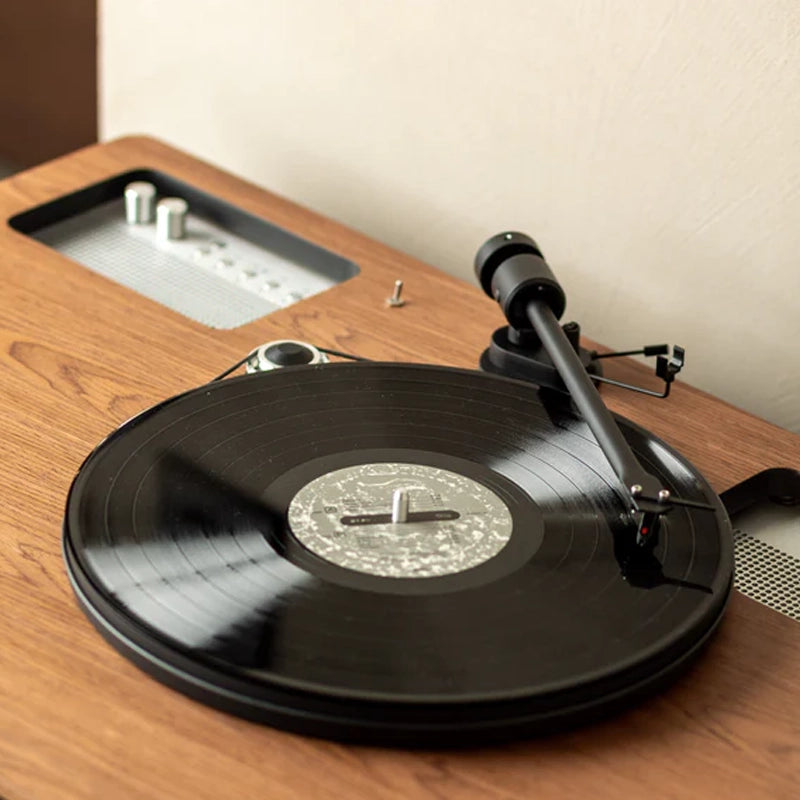
Le bras de la platine du LX est montée d'un diamant Ortofon OM10. La tête de lecture est composée de deux parties : la cellule, vissée sur le bras, et le diamant, monté sur la cellule. Celui-ci est simplement enfoncé sur la cellule.Afin de le remplacer, veuillez tirer délicatement sur le diamant afin de le détacher de la cellule, puis insérez le nouveau diamant à la place.
Comment connecter la platine vinyle à l'enceinte ?
Afin de connecter la platine vinyle du LX à l'enceinte, vous trouverez dans l'emballage de votre produit un câble RCA et une alimentation. Commencez par brancher ces deux câbles sur les ports du LX. Puis avec l'aide d'une autre personne afin de porter le plateau, branchez les autres extrémités sur les ports dédiés, sous le plateau de la platine. Enfin, pré-amplifiez votre platine en poussant le bouton au dessus des ports RCA vers la droite, en mode "PHONO" Il est important de brancher également la fourche métallique des deux côtés afin de relier la platine à la masse. Cela vous évitera d'entendre un bruit de fond parasite lors de l'écoute.
Combien d'amortisseurs (ressorts) dois-je recevoir avec mon LX ? (Hors LX X Platine)
Pour le LX Platine, 4 ressorts sont nécessaires. Pour le modèle LX "standard" (sans platine intégrée) nous fournissons 5 amortisseurs, le 5ème est utile uniquement pour les platines plus lourdes.
Nous ne fournissons pas de ressorts pour le LX X platine.
PR Link
Comment connecter mon enceinte en Bluetooth® ?
La connexion Bluetooth® entre votre appareil et le PR LINK s'effectue en seulement quelques étapes :
- Activez le mode Bluetooth® sur votre téléphone ou tablette
- Allumez le PR LINK en appuyant quelques secondes sur le bouton poussoir.
- Séléctionnez la source Bluetooth® grâce à de courtes pressions sur le bouton poussoir.
- Appuyez sur la trappe à l'arrière de votre PR LINK afin de la soulever, puis retirez là.
- Pressez une fois le bouton "BT PAIR" présent sur le dessus de l'enceinte, à côté des différentes sources. Le voyant Bluetooth® va alors clignoter.
- Cherchez le PR LINK sur votre appareil puis appairez-les.
- Reposez la trappe sur le dessus de l'enceinte.
Vous pouvez désormais jouer de la musique grâce à votre téléphone ou tablette.
Quel est le placement idéal de mon enceinte ?
Le PR LINK possède au dos un évent, communément appelé "Bass Reflex" qui aspire de l'air afin de renforcer le volume des basses fréquences de l'enceinte. Lorsque votre enceinte est collée trop près d'un mur ou encloisonnée, le son peut sembler étouffé. Nous vous conseillons de placer votre enceinte à une distance minimum de 15 centimètres du mur et d'éviter de la placer dans un espace trop restreint (par exemple, une bibliothèque fermée). Idéalement, l'enceinte PR LINK peut être posée sur son pied afin qu'elle soit positionnée à hauteur optimale d'écoute. Vous le retrouverez dans la rubrique "Accessoires" du site.
Quelle est la portée du Bluetooth® sur cette enceinte ?
La portée Bluetooth d'une enceinte PR Link est de 20 mètres maximum. Si cette distance est dépassée, le son saccade et finit par se couper.
Cette distance peut varier selon l'environnement dans lequel vous utilisez ces appareils. Par exemple, il peut exister des sources d'interférences sans fil (telles que les fours à micro-ondes) ou des obstacles physiques (tels que des murs ou des corps humains) qui affectent la portée effective de votre Bluetooth. Si de tels facteurs affectent la fonctionnalité Bluetooth, rapprochez les deux appareils et réessayez.
Voici une liste des matériaux potentiels d'interférence:
· bois, verre et de nombreux matériaux synthétiques : interférence faible
· eau, briques, marbre : interférence moyenne
· plâtre, béton, verre blindé : interférence élevée
· métal : interférence très élevée
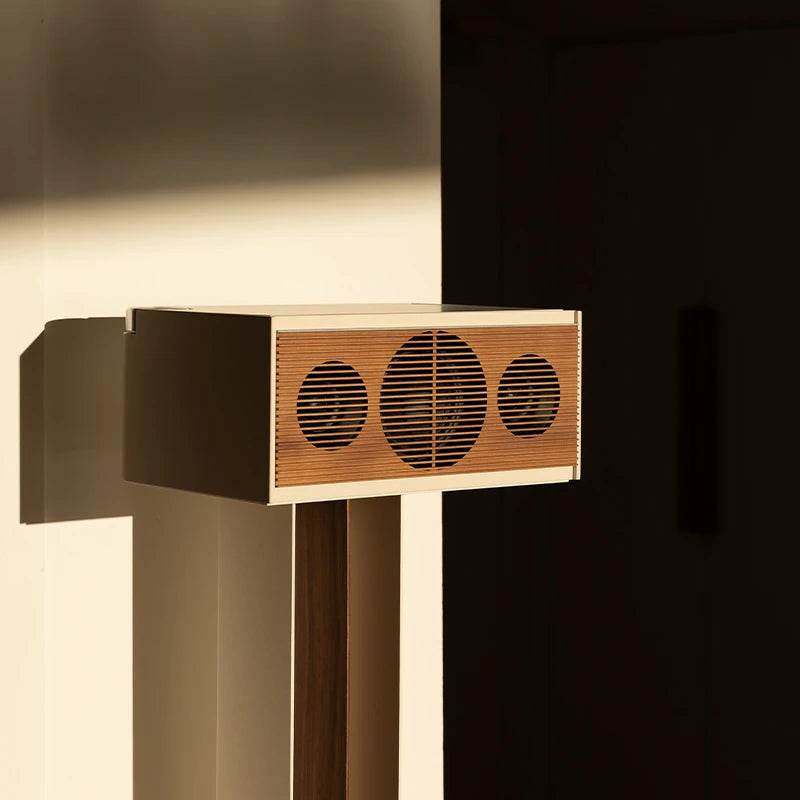
PR/01
Comment connecter mon enceinte en Bluetooth® ?
La connexion Bluetooth® entre votre appareil et le PR/01 s'effectue en seulement quelques étapes :
- Activez le mode Bluetooth® sur votre téléphone ou tablette.
- Allumez le PR/01 en appuyant latéralement quelques secondes sur le bouton poussoir du PR/01.
- Séléctionnez la source Bluetooth® grâce à de courtes pressions latérales sur le bouton poussoir.
- Tirez délicatement le tiroir du PR/01 de quelques centimètres puis appuyez sur le bouton "Pair" présent sur le panneau de contrôle du PR01. Le voyant Bluetooth® va alors clignoter.
- Cherchez le PR/01 sur votre appareil puis appairez-les.
Vous pouvez désormais jouer de la musique grâce à votre téléphone ou tablette.
Quel est le placement idéal de mon enceinte ?
Le PR/01 possède au dos un évent, communément appelé "Bass Reflex" qui aspire de l'air afin de renforcer le volume des basses fréquences de l'enceinte. Lorsque votre enceinte est collée trop près d'un mur ou encloisonnée, le son peut sembler étouffé. Nous vous conseillons de placer votre enceinte à une distance minimum de 15 centimètres du mur et d'éviter de la placer dans un espace trop restreint (par exemple, une bibliothèque fermée).
Quelle est la portée du Bluetooth® sur cette enceinte ?
La portée d'une enceinte Bluetooth est de 10 mètres maximum. Si cette distance est dépassée, le son saccade et finit par se couper.
Cette distance peut varier selon l'environnement dans lequel vous utilisez ces appareils. Par exemple, il peut exister des sources d'interférences sans fil (telles que les fours à micro-ondes) ou des obstacles physiques (tels que des murs ou des corps humains) qui affectent la portée effective de votre Bluetooth. Si de tels facteurs affectent la fonctionnalité Bluetooth, rapprochez les deux appareils et réessayez.
Voici une liste des matériaux potentiels d'interférence:
· bois, verre et de nombreux matériaux synthétiques : interférence faible
· eau, briques, marbre : interférence moyenne
· plâtre, béton, verre blindé : interférence élevée
· métal : interférence très élevée
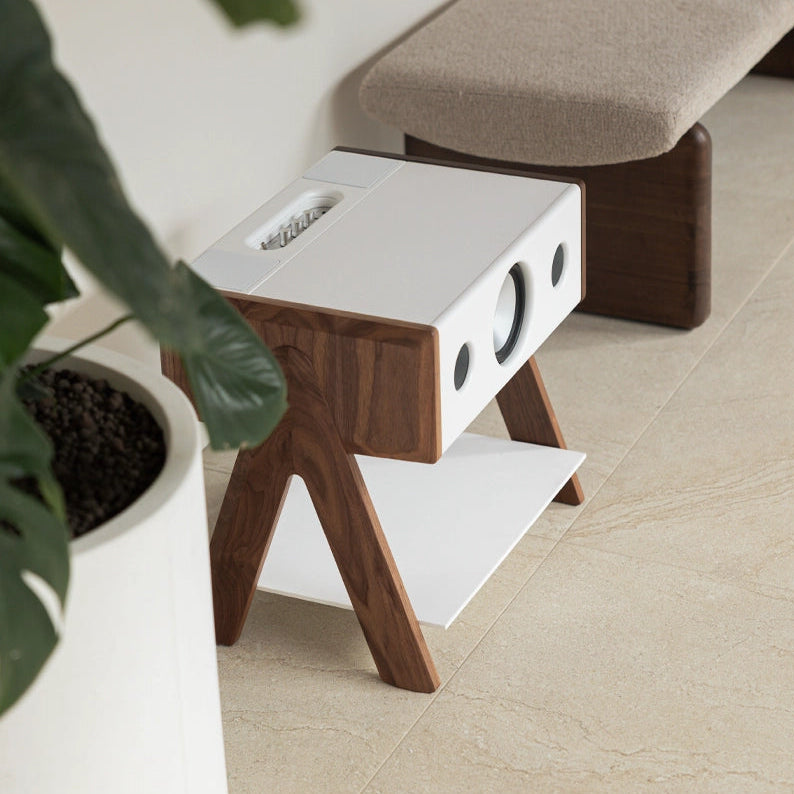
Gamme Cube
Comment connecter mon enceinte en Bluetooth® ?
La connexion Bluetooth® entre votre appareil et le Cube s'effectue en seulement quelques étapes :
- Activez le mode Bluetooth® sur votre téléphone ou tablette.
- Allumez le Cube
- Sur le panneau de contrôle, appuyez sur Bluetooth® puis une fois sur "Pair"(1 pression courte). Le voyant Bluetooth® va alors clignoter.
- Cherchez le Cube sur votre appareil puis appairez-les.
Vous pouvez désormais jouer de la musique grâce à votre téléphone ou tablette.
Quel est le placement idéal de mon enceinte ?
Grâce à la technologie Widesound 2.0® brevetée par La Boite concept qui permet une diffusion immersive du son, l'enceinte Cube délivre la même fidélité du son, peu importe sa position dans votre pièce et peut donc être installée où vous le souhaitez.
Est-il possible de connecter une platine ?
Oui, une entrée RCA se situe sous le Cube et permet de connecter votre platine tout en dissimulant les branchements sous l'enceinte. Si votre platine n'est pas pré-amplifiée vous aurez besoin d'un un pré-amplificateur.
Quelle est la portée du Bluetooth® sur cette enceinte ?
La portée d'une enceinte Bluetooth est de 10 mètres maximum. Si cette distance est dépassée, le son saccade et finit par se couper.
Cette distance peut varier selon l'environnement dans lequel vous utilisez ces appareils. Par exemple, il peut exister des sources d'interférences sans fil (telles que les fours à micro-ondes) ou des obstacles physiques (tels que des murs ou des corps humains) qui affectent la portée effective de votre Bluetooth. Si de tels facteurs affectent la fonctionnalité Bluetooth, rapprochez les deux appareils et réessayez.
Voici une liste des matériaux potentiels d'interférence:
· bois, verre et de nombreux matériaux synthétiques : interférence faible
· eau, briques, marbre : interférence moyenne
· plâtre, béton, verre blindé : interférence élevée
· métal : interférence très élevée
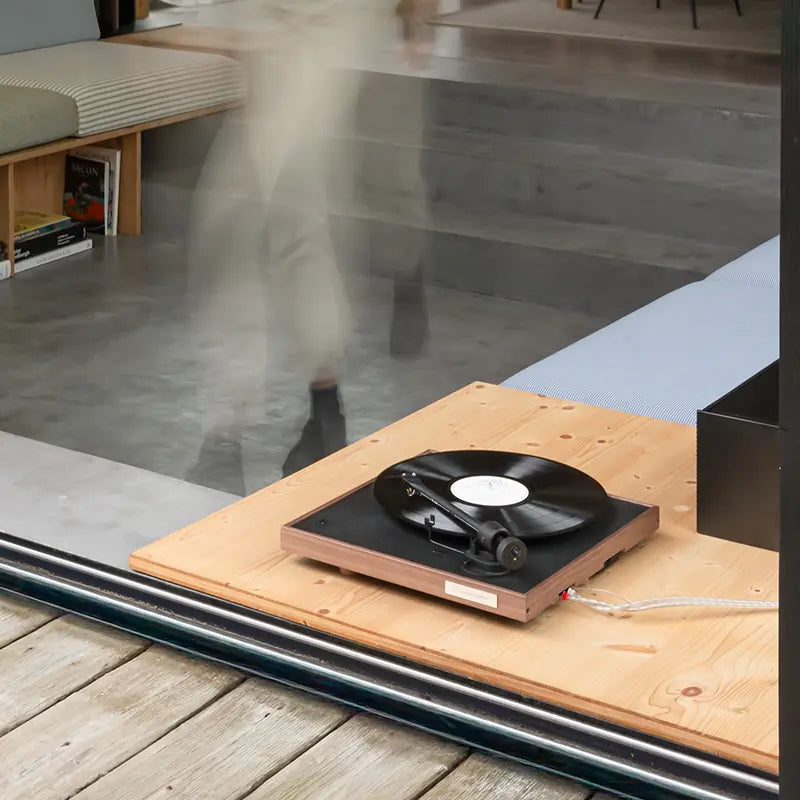
Gamme Square
Comment connecter ma platine à mes enceintes ?
Utiliser le câble RCA fourni avec la platine : brancher la sortie RCA de la platine vinyle à l'entrée RCA de votre enceinte. Vous pouvez aussi utiliser un câble RCA / Auxiliaire : dans ce cas brancher l'extrémité RCA du câble à la sortie RCA de la platine et l'autre extrémité Auxiliaire à l'entrée Auxiliaire de votre enceinte. La platine Square possède deux modes : pré-amplifié ou non pré-amplifié, ce qui lui permet de s'adapter à n'importe quel système audio. Si vous disposez d'un système avec amplificateur et pré-amplificateur, veuillez enfoncer la tirette "Phono" vers la platine afin d'activer le mode non pré-amplifié. Dans le cas inverse, si vous ne possédez pas de pré-amplificateur, veuillez tirer la tige vers le dos de la platine afin d'activer le mode pré-amplifié.
Comment changer mon diamant ?
Le bras de la platine Square est montée d'un diamant Ortofon OM10. La tête de lecture est composée de deux parties : la cellule, vissée sur le bras, et le diamant, monté sur la cellule. Celui-ci est simplement enfoncé sur la cellule. Afin de le remplacer, veuillez tirer délicatement sur le diamant afin de le détacher de la cellule, puis insérez le nouveau diamant à la place.
Streamer Escape
A quoi sert le streamer Escape ?
Le streamer Escape est un streamer audio sans fil qui transforme vos enceintes en un système de son multi-pièces sans fil en se connectant à votre réseau Wi-Fi domestique. En d'autres termes, cela signifie que vous pouvez jouer de la musique synchronisée dans plusieurs pièces de votre maison. Par exemple, si vous avez quatre enceintes dans votre maison, avec une configuration facile, vous pouvez alors profiter de votre musique partout sur votre quatre enceintes en simultané.
Comment installer mon streamer Escape sur mon enceinte ?
Si vous installez le streamer Escape sur le PR LINK, utilisez l'adaptateur USB-C / streamer Escape fourni avec l'enceinte et suivez le mode d'emploi. Si vous installez le streamer Escape sur une autre enceinte La Boite concept (Cube, LX, LXX, PR/01...) ou enceinte d'une autre marque, veuillez suivre le guide ci-après.
Mon streamer Escape est compatible avec quelles enceintes ?
Pour toutes enceintes qui disposent d'une entrée Auxiliaire, RCA ou Toslink. Le streamer Escape possède une sortie Jack 3.5 / Toslink, il est fourni avec celui-ci plusieurs adaptateurs qui le permettent de le connecter à votre système audio : 1 x câble Auxiliaire, 1 x câble Toslink, 1 x câble Auxiliare / RCA.
Mon streamer Escape est compatible avec quel système de diffusion (AirPlay 2...) ?
Le streamer Escape est compatible avec les systèmes de diffusion AirPlay2® et GoogleCast®.
Quelle est la portée du streamer Escape ?
Le streamer Escape utilise la diffusion par le réseau Wi-Fi : la portée dépend donc l'emplacement de votre box et de son débit.
Quelles sont les plateformes de streaming compatibles avec le streamer Escape ?
Les plateformes compatibles sont Spotify Connect®, Apple Music®, Tidal®, RoonReady®, YouTube Music®.
Est-ce que le streamer Escape fonctionne avec tous les réseaux ?
Oui, le streamer Escape est compatible avec les routeurs Wi-Fi 2.4G et 5.0G.
